The signing component for the Linux operating system is available as a .deb program file, and is available at:
or for Ubuntu 22+: vep-podpis_ubuntu22.deb
You can open and install the file using the default program installer.
Save the option file and install it in the terminal with the command:
sudo dpkg -i vep-podpis_1.0.17.0.deb
or
sudo dpkg -i vep-podpis_ubuntu22.deb
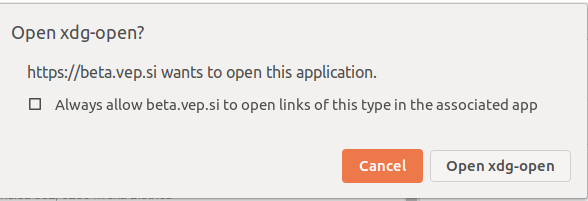
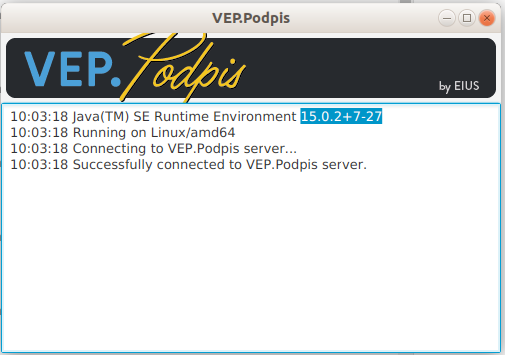
When entering the VEP portal, you will need to allow the signing component to run in the browser.
To remove a signature component, use the command:
sudo dpkg -r vep-signature
sudo dpkg --purge vep-podpis
In case of problems with the libpng12 library:
Try installing the missing libraries with the following commands:
sudo add-apt-repository ppa:linuxuprising/libpng12
sudo apt update
sudo apt install libpng12-0

# Verify that the xdg-open dependency is installed
sudo apt install xdg-utils
or download the package manually: 32bit or 64 bit
wget https://launchpad.net/~ubuntu-security/+archive/ubuntu/ppa/+build/15108504/+files/libpng12-0_1.2.54-1ubuntu1.1_amd64.deb
sudo dpkg -i libpng12-0_1.2.54-1ubuntu1.1_amd64.deb
sudo dpkg -i vep-podpis_1.0.17.0.deb